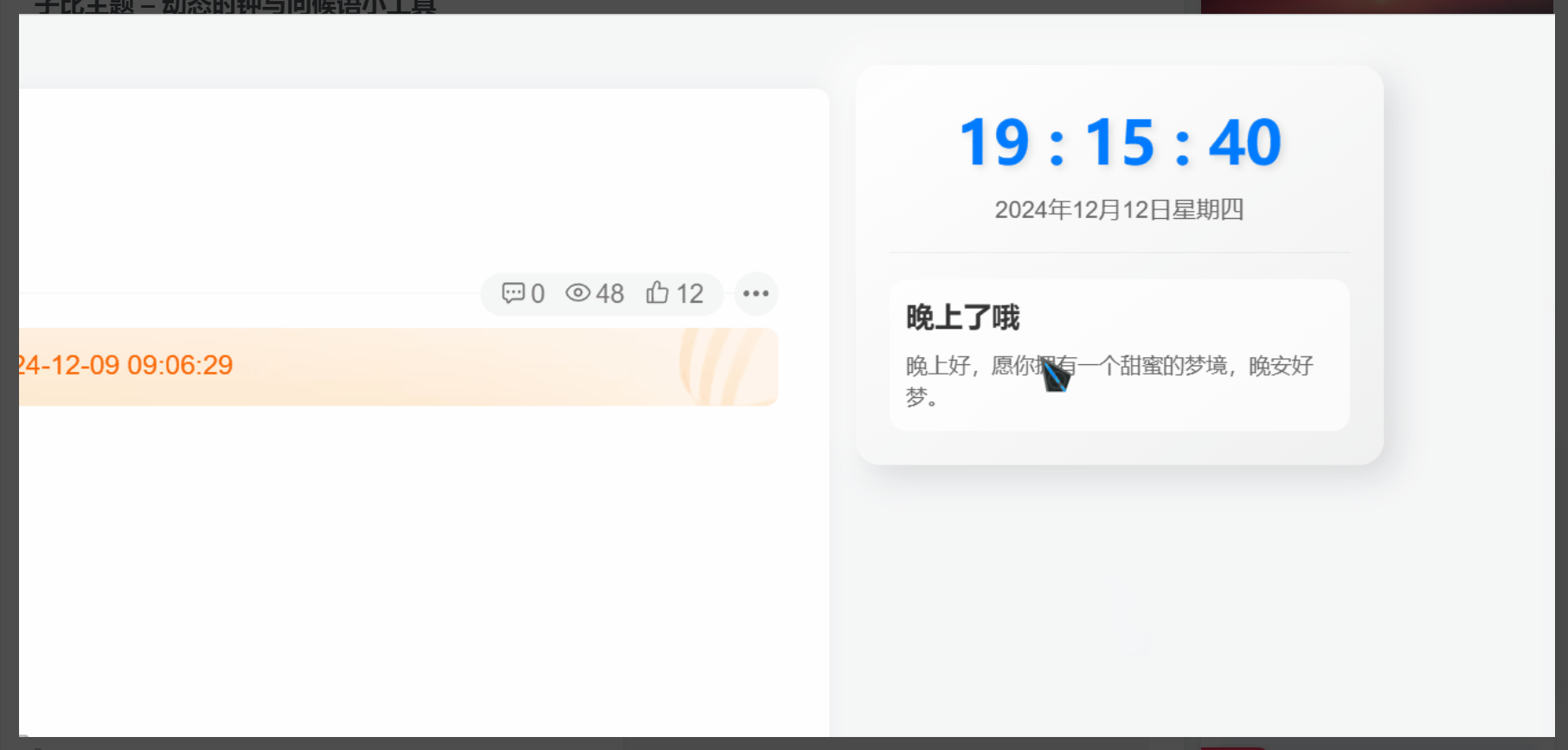
这是一款子比主题文章侧边小工具,是一款滚动公告的小工具,我觉得比较好看,代码也简单,直接部署就行,喜欢的自行部署,教程我写的很详细!
演示效果:

代码部署:
<!--汇聚访:www.huijuf.com-->
<style>
    @keyframes move {
        0% {
            transform: translateX(0px);
        }

        100% {
            transform: translateX(-200%);
        }
    }

    .show-notice {
        width: 100%;
        overflow: hidden;
    }

    .show-notice-hello {
        float: left;
        width: 15%;
        background-color: var(--theme-color);
    }

    .show-notice-inner {
        float: left;
        width: 80%;
        margin-left: 2%;
        overflow: hidden;
    }

    .show-notice-move-text {
        font-size: 15px;
        color: var(--main-color);
        white-space: nowrap;
        animation: move 10s linear infinite;
    }
</style>
<div class="show-notice">
    <div class="show-notice-hello badge">哈喽~</div>
    <div class="show-notice-inner">
        <div class="show-notice-move-text">  全站积分可通过签到和每日任务获取,可别错过哦!</div>
    </div>
</div>
<!--子比滚动公告框www.huijuf.com-->